How To Use
Searches are performed by entering search terms in a search prompt, supplemented with search parameters if necessary.

The following search parameters should be highlighted:
1. Search for terms consisting of several words, e.g. bronze sword vs. bronze, sword. This significantly reduces the number of results. The term is enclosed in double quotation marks, e.g. “bronze sword”.
A.
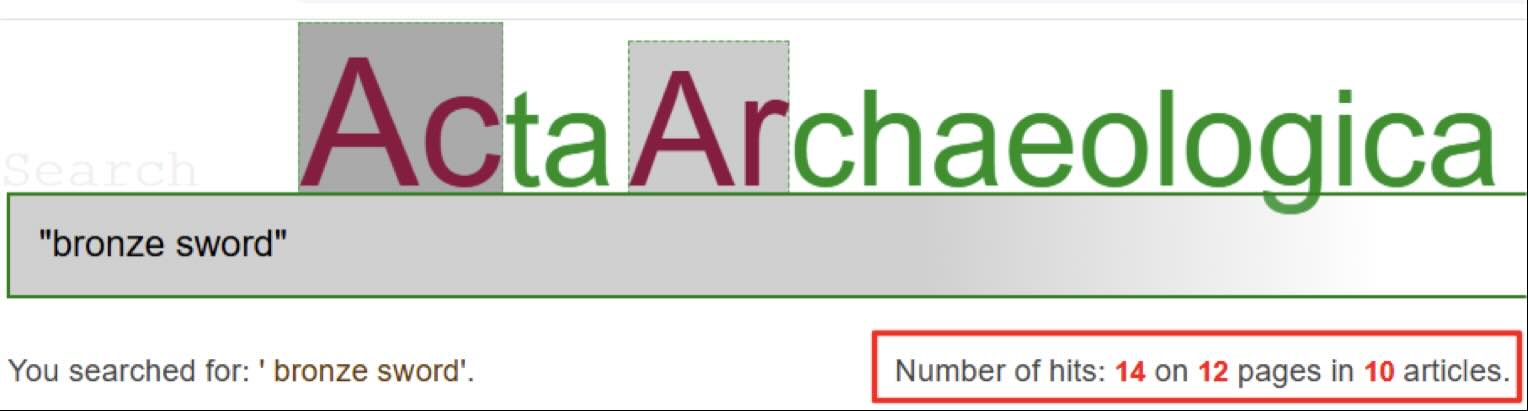
B.
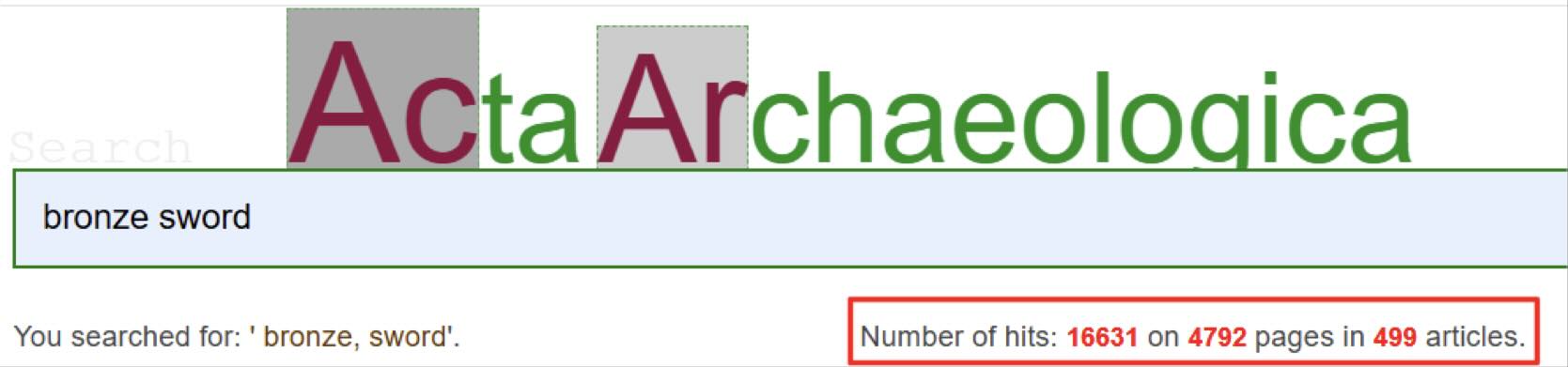
2. Search with a compound term, where one of the sub-terms must appear with (one of) the others, e.g. Bronze, iron, sword – where the user wants sword to always appear. The word that is always included is preceded by a plus sign (+), e.g. Bronze, Iron, +sword
Additional search parameters will be added on an ongoing basis.
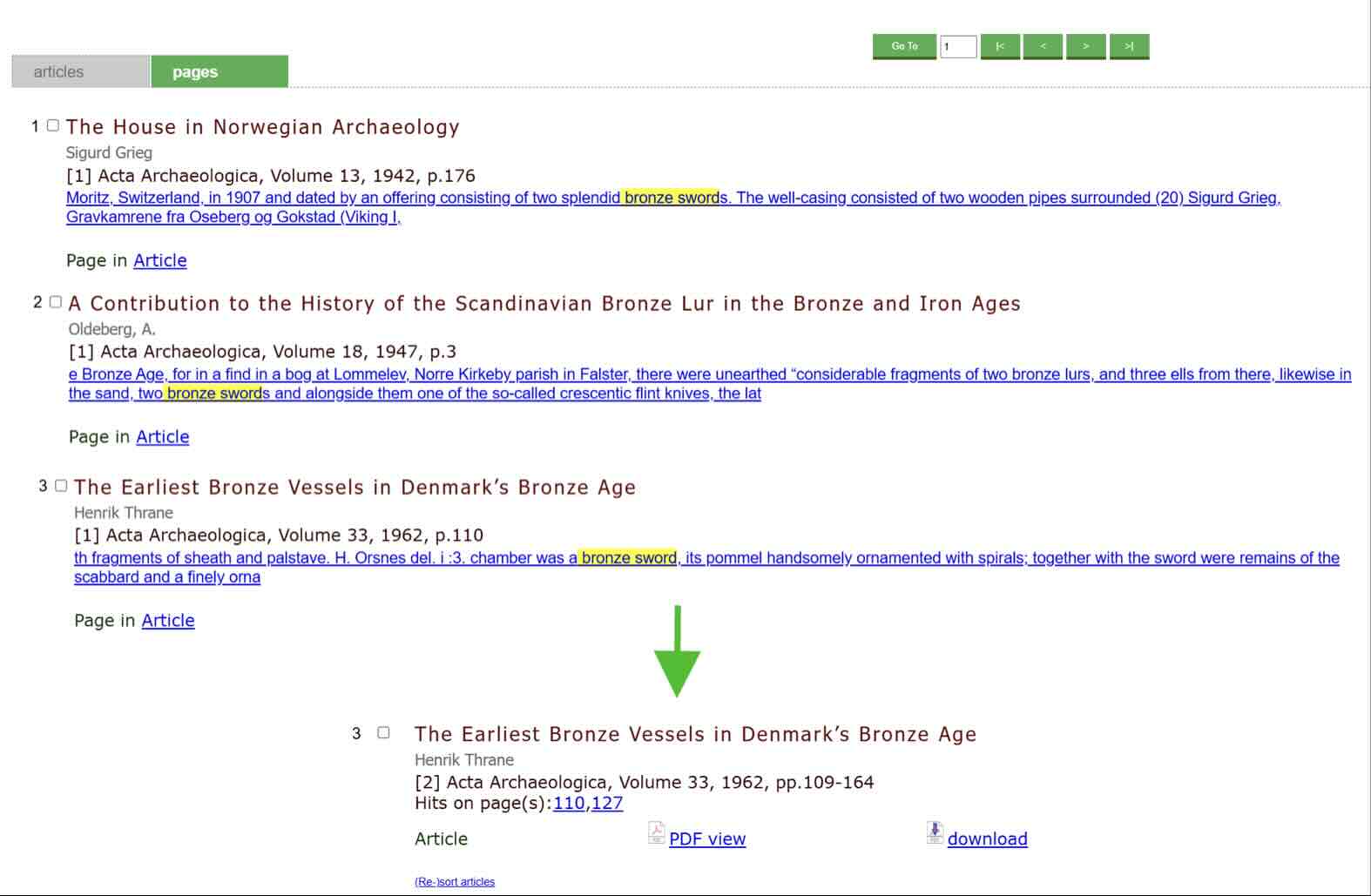
After the search, the results are displayed as either references to pages or articles, and the results can be sorted according to various parameters, e.g. year of publication, name, etc. Sorting is done by clicking on a link (sort).
The search results will contain links to digital content, which is currently primarily in PDF format, but other formats will be made available over time.